Read and confirmed, on a phone.
Staff and volunteers read a procedure and confirm it in under a minute. No account, no password, no app.
On every plan. See pricing
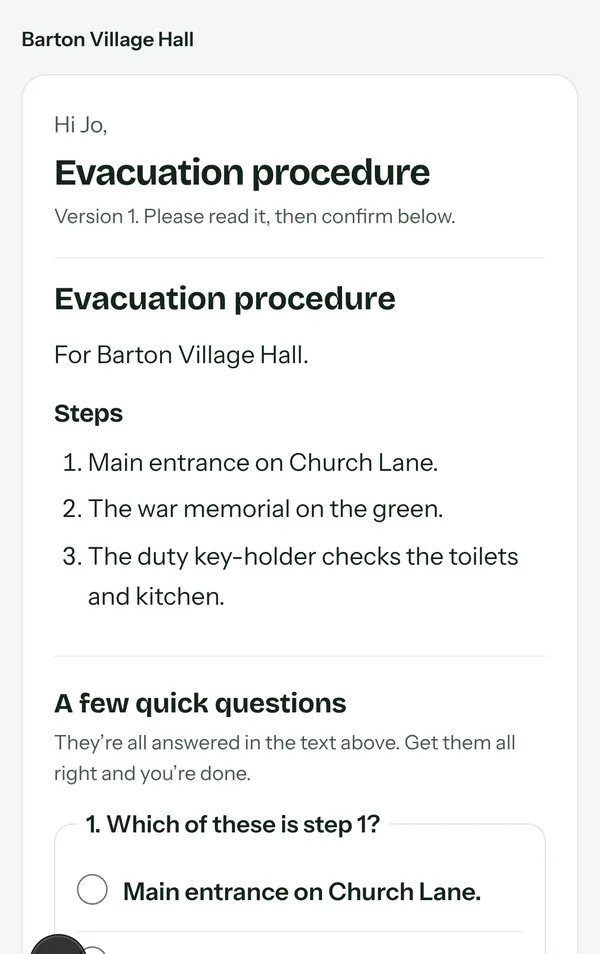
Volunteers don’t want another login. So there isn’t one.
A link by email opens the procedure on any phone. Read it, answer a few questions, confirm. About a minute.
Nothing to install
Each person gets their own link by email. It opens on any phone, with the procedure in large, plain type.
- Raise the alarm at the nearest call point.
- Guests out by the main stairs.
- Meet in the front car park.
A few quick questions
So you know it was read, not just opened. The questions come from the procedure itself, and the answers are all in the text.
- The back garden
- The front car park
- The bar
See who hasn’t
Who’s been sent what, who’s opened it, who’s confirmed. Remind the rest in one click.
- Jo BrighttrusteeSigned 3 Nov
- Sam ColecaretakerOpened 2 Nov
- Ana RuizhirerSent 1 Nov
- Dave PricevolunteerSigned 1 Nov
Questions we hear
Do people need an account?
No. A link by email opens on any phone.
What if someone has no email?
Copy their link and pass it on however suits them.
How do we know they read it?
A few quick questions from the procedure itself, and the time they confirmed it.
More of the platform
Set up your building in about ten minutes.
14 days to try it. Cancel any time.